
My Number Card on Smartphone
- Last Updated:
"My Number Card on Smartphone" is a service that allows you to use My Number Card function by adding it to your smartphone (iPhones, Android terminals).
Table of Contents
- Outline
- Places and services you can use
- Getting Started
- Frequently Asked Questions
- To private sector / Government Agencies Considering Measures
- PR materials
- Related Information
Outline
"My Number Card on Smartphone" is a service that allows you to add a function in My Number Card to your smartphone and use it. Instead of entering a PIN number, biometrics such as face and fingerprints are used to easily and safely verify identity. Anyone who holds My Number Card and has a compatible smartphone device can use it for free.
For more information, please visit "My Number Card on iPhone" for iPhones, and "Android's Mynavi Card (formerly Android smartphone service equipped with electronic certificate)" for Android devices.
- My Number Card on iPhone
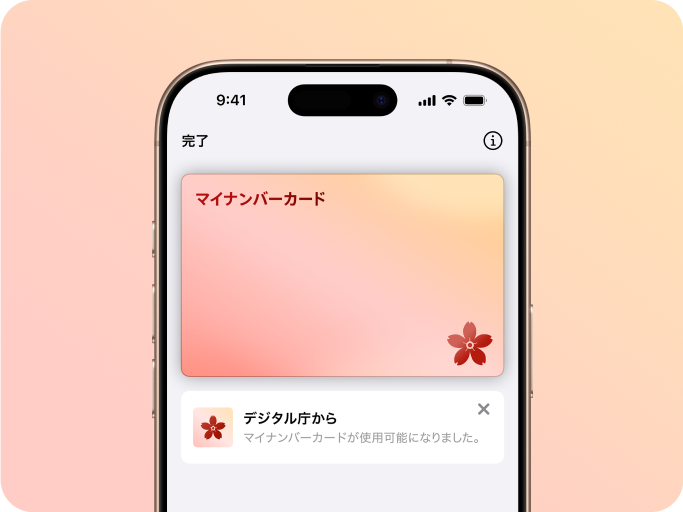 It is a My Number Card that you can put on your iPhone and use it. You can do administrative procedures and apply for private services with just your iPhone.
 - Minervado in Android
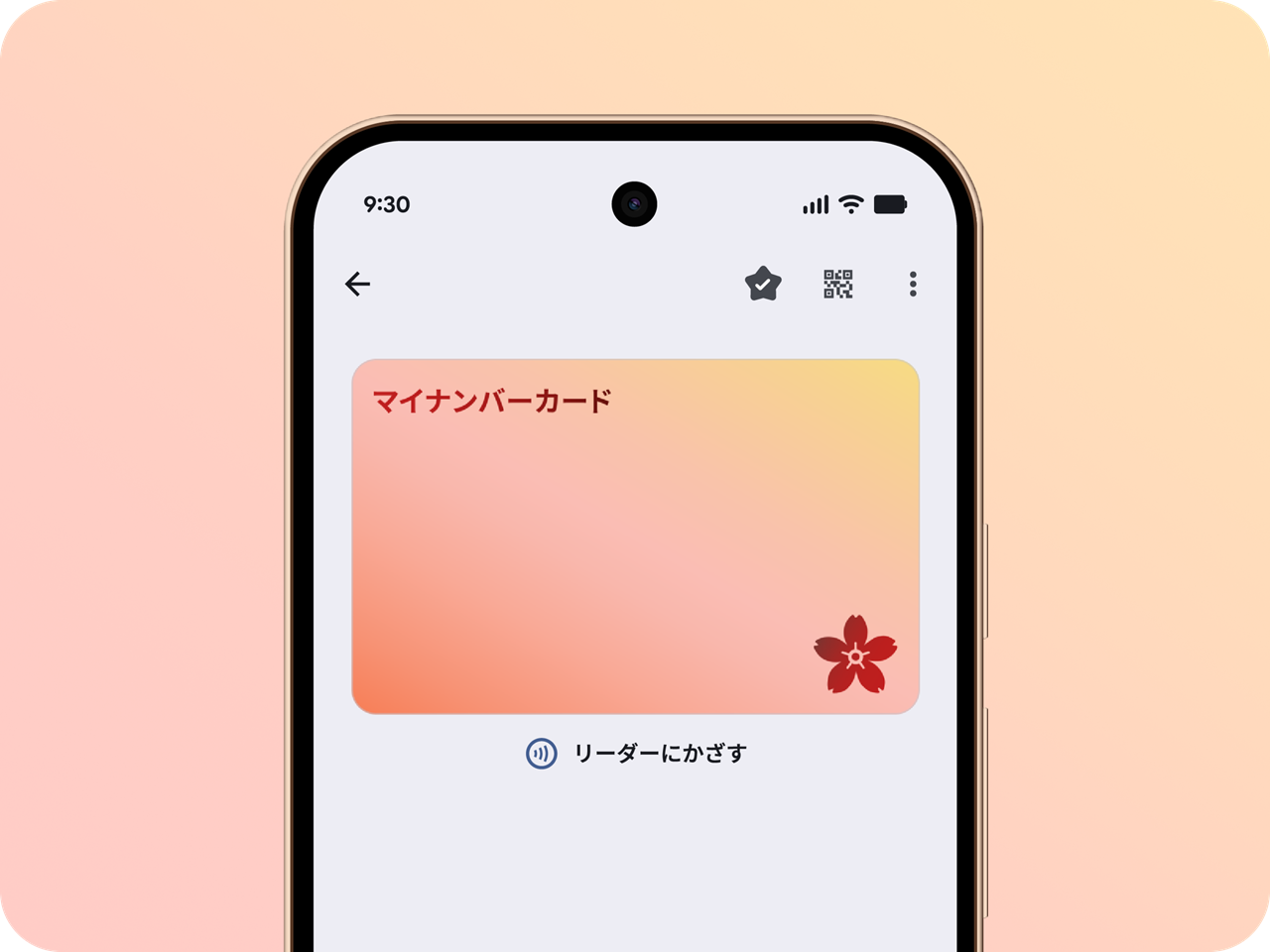 This is a Android that can be used by inserting it into a My Number Card terminal. You can perform administrative procedures and apply for private services with just one Android terminal.
Places and services you can use
"My Number Card on Smartphone" can be used in the following situations. The number of places and services where it can be used is constantly expanding.
- Mynaportal
- Getting certificates at convenience stores
- Accepted as a My Number Card as a Health Insurance Certificate at medical institutions and pharmacies (the number of corresponding institutions will gradually increase)
- Final Tax Return via e-Tax
The locations where the service can be used may differ between iPhones and Android terminals, so please check the guidance provided by each service, etc. Also, in case only My Number Card is supported, please be sure to bring My Number Card as well.
For details, refer to the guide for the OS you are using.
- Where and How to Use My Number Card on iPhone (Digital Agency Web Services Application)
- Where and How to Use My Number Card on Android (Digital Agency Web Services Application)
Getting Started
"My Number Card on Smartphone" uses the latest MynaApp and adds it to iPhones or Android terminals.
Please have the following items on hand and add them according to the instructions on the MynaApp screen.
- Smartphone with compatible OS version
- The latest MynaApp
- My Number Card
- PIN (4-digit number) to assist entry of items on the face of the card
- Password for signing (6 to 16 alphanumeric characters)
For details on how to add it, please check the following pages for iPhones and Android devices respectively.
- How to add My Number Card to iPhone (Digital Agency web service application)
- How to Add My Number Card to the Android Terminals (Digital Agency Web Services Application)
Frequently Asked Questions
Q1. Which model does it support?
A1.
- On iPhones, you can use it on iPhones XS or later and with iOS 18.5 or later. For more information, check the Apple website ( iPhone models that support iOS 26 (Apple-supported) ).
- For Android devices, please refer to Frequently Asked Questions: Which smartphones support My Number Card on Android? (MynaApp) Please check .
Q2. Can I use it as a Myna driver's license?
A2.
No. "My Number Card on iPhone" and "My Number Card on Android" cannot be used as a Myna driver's license.
Q3. I don't know the PIN and password required when adding to a smartphone.
A3.
The PIN number to assist entry of items on the My Number Card is a 4-digit PIN number used to read the information written on the My Number Card. The signature password is a 6-16 character alpha-numeric password used when signing using the certificate of residence. If you forget both the PIN number and the password, please reset them at the counter of the municipality where your certificate of residence is registered.
- I do not know the PIN number to help enter the information on the card (Digital Agency Web Services Application)
- Signing Password Not Known (Digital Agency Web Services Application)
Q4. What should I do when I change models?
A4.
Before giving up your smartphone or changing the model, delete My Number Card from your smartphone to be on the safe side. If you have already given up your old device, delete it from another smartphone.
For details, please refer to the when giving up a Digital Agency smartphone or changing models (.
Q5. What should I do when I renew my My Number Card?
A5.
If you update the My Number Card and electronic certificate, you will need to set the My Number Card on Smartphone again after updating.
- If you are using an iPhone, please check How to resume using My Number Card on iPhone (Digital Agency Web Services Application) .
- If you are using an Android device, please check How to resume using My Number Card on Android (Digital Agency Web Services Application) .
Other frequently asked questions
You can also find a list of frequently asked questions below. If you can't find what you're looking for, you might also want to check out:
To private sector / Government Agencies Considering Measures
Please check the following for details and how to use Japanese Public Key Infrastructure (JPKI), which performs identity verification using My Number Card on Smartphone, and Card Substitute Electromagnetic Recording (Attribute-Certified function).
PR materials
Video
My Number Card "You can put it in your smartphone" (30 seconds)
- Alternate text for video (Text / 6 kb)
- Video Download Form
- We provide video, which is available on YouTube. Please use it at the counter of local governments and for public relations of municipalities. If you wish to use it, please apply using the download form below.
Posters and leaflets
- Your My Number Card, on your phone. (PDF / 2,080 kb) (posted June 2025)
- Electronic certificates on Android smartphones Equipped Service (PDF / 1,580 kb) (revised in March 2024)
- Your My Number Card on your smartphone. (PDF / 1,200 kb) (posted October 2026)
Related Information
- In May 2023, we began offering the Android Smartphone with electronic certificate Service in Android.
- My Number Card on iPhone service started on June 24, 2025.
- From August 5, 2025, it is possible to confirm "My Number Card on iPhone" at "the app for reading the IC chip in My Number Card" (Digital Agency Web Service Application)
- It will be renewed as "My Number Card on Android" around the fall of 2026 (Digital Agency Web Service Application).
- "My Number Card on Android" has been available since October 20, 2026 (Digital Agency Web Service Application).